Smart Home Beginner Guide: 6 Essential Steps to Get Started in 2026
New to home automation? Discover how to choose a central brain, optimize your network, and select the right gadgets to build a functional smart home in 2026.
Building a smart home in 2026 no longer requires an engineering degree or a massive renovation budget. This guide will walk you through the 6 essential steps to automate your living space, from choosing a "brain" for your house to ensuring your devices talk to one another, so you can build a more efficient, comfortable environment.
Imagine walking into your home and having the lights automatically adjust to a warm glow, the thermostat set itself to your preferred temperature, and your coffee machine start brewing—all without you touching a single button. This is the promise of the smart home. While it might sound like science fiction, modern technology has made this accessible to almost anyone with a Wi-Fi connection. However, the sheer number of gadgets available can be overwhelming for a beginner. To build a system that actually makes your life easier rather than more complicated, you need to follow these 6 foundational pillars of home automation.
1. Choose Your Ecosystem and Central Brain
The first mistake many beginners make is buying random gadgets because they look cool. A smart bulb from one brand, a camera from another, and a thermostat from a third might all work individually, but they won't necessarily work together. To create a true smart home, you need an ecosystem.
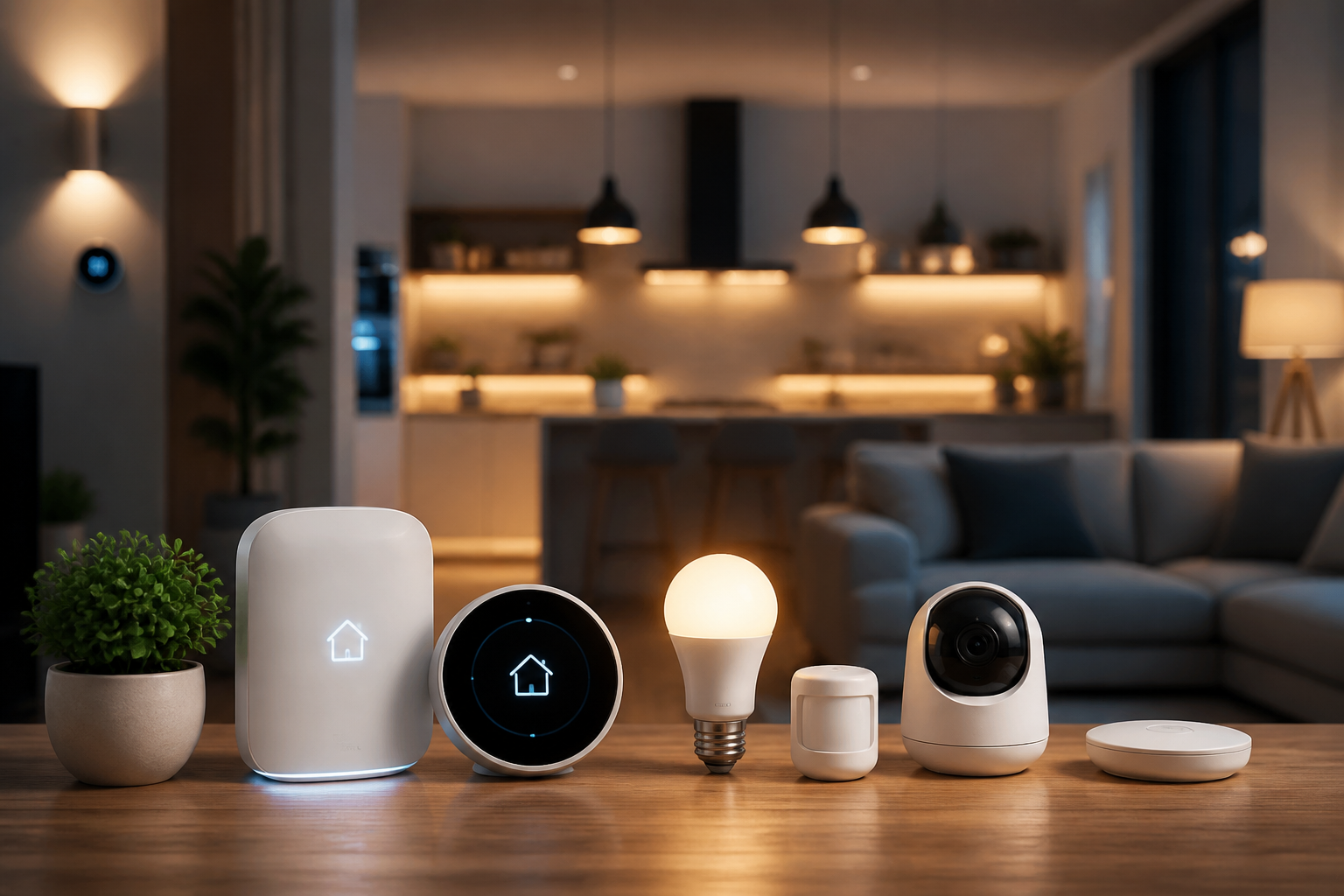
In a smart home, the "Hub" or "Controller" acts as the central brain. It is the bridge that connects all your devices and allows them to communicate. Common ecosystems in 2026 include Amazon Alexa, Google Home, Apple Home, and Samsung SmartThings. Additionally, ensure your devices support Matter. Matter is the industry standard designed to ensure that a device bought today will work with any major ecosystem, regardless of the brand.
2. Strengthen Your Network Foundation
A smart home is only as smart as its internet connection. If your Wi-Fi is spotty in the bedroom, a smart light bulb placed there will constantly disconnect. Before buying gadgets, you must ensure your home network can handle the increased load of 20 to 50 additional "clients" (devices).
If you are using an old router, it may struggle to manage dozens of simultaneous connections. Upgrading to a modern mesh Wi-Fi system is often the best first step. In 2026, many users are finding that the leap in wireless technology is essential for managing dense device environments. Understanding the nuances of Wi-Fi 6 vs Wi-Fi 7 can help you decide if you need the ultra-low latency of the latest standard or if the previous generation is sufficient for your smart sensors.
3. Start With Smart Lighting
Lighting is the most common entry point for beginners because it provides immediate, visible results. There are two main ways to approach smart lighting: smart bulbs and smart switches.
Smart Bulbs: These are the easiest to install. You simply unscrew your old bulb and screw in the new one. They allow you to change colors (RGB) and dim the lights via an app or voice command.
Smart Switches: These replace the actual switch on your wall. They require basic electrical work, but they are the better long-term solution because the "smart" functionality works even if someone toggles the physical wall switch.
4. Implement Climate Control and Energy Savings
One of the few smart home upgrades that actually pays for itself over time is a smart thermostat. These devices learn your schedule and adjust the temperature based on whether you are home or away. Most systems use geofencing, which tracks the location of your smartphone to prepare the house temperature before you arrive.
Modern 2026 systems also allow for remote sensors. If your thermostat is in the hallway but your bedroom is always five degrees hotter, a remote sensor tells the system to keep running until the specific room you are currently using reaches the desired temperature.
5. Enhance Home Security and Access
Security is a primary driver for smart technology adoption. A basic starter kit usually involves video doorbells, smart locks, and contact sensors. In 2026, AI detection has improved to the point where these cameras can distinguish between animals, delivery people, and family members, significantly reducing false notifications.
Smart locks allow you to ditch physical keys entirely. You can unlock your door via a keypad, fingerprint, or phone. This is particularly useful for granting temporary access to guests or service providers without needing to hide a physical key under a doormat.
6. Create Automations and Routines
A home isn't truly "smart" just because you can control it with your phone; that’s just a remote control. A home becomes smart when it performs actions automatically based on triggers. This is known as a routine.
Every automation follows a simple logic: IF [Trigger] THEN [Action]. For example, IF the front door is unlocked after 6:00 PM, THEN turn on the hallway lights. You can also create "Scenes," such as a "Movie Night" scene that dims the living room lights to 10% and closes the smart blinds with a single voice command.
Conclusion
Starting a smart home journey in 2026 is about building a system that serves your specific needs through these 6 essential steps. You don't need to buy everything at once. Begin with a reliable router and a single ecosystem, then slowly expand as you get comfortable.
Always remember to prioritize security. Set your devices to "Auto-Update" and enable Two-Factor Authentication (2FA) on all accounts. If you are managing your home while traveling, understanding what a VPN is can help you secure your mobile device so your home's control signals aren't intercepted on public Wi-Fi. With a solid foundation, your smart home will provide convenience and peace of mind for years to come.