Smart TV Buying Guide 2026: How to Choose the Best Display Technology
Modern TVs are complex computers. Our 2026 guide simplifies display tech, explaining the differences between OLED and Mini-LED to help you choose the best screen.
Buying a television used to be a simple choice between a few brands and two or three screen sizes. In 2026, the landscape has shifted dramatically, turning the humble TV into a sophisticated computer dedicated to entertainment. With a dizzying array of acronyms like OLED, Mini-LED, and Refresh Rate, finding the right fit for your living room can feel overwhelming. This guide breaks down the essential components of modern displays to help you make an informed investment.
1. Understanding Display Technology: The Foundation of Picture Quality
The most critical decision you will make involves the panel technology. This determines how the TV produces light and color, which directly impacts the "contrast ratio"—widely considered the most important factor in picture quality. Contrast ratio is the difference between the brightest whites and the darkest blacks the screen can produce.
LED-LCD: The Reliable Standard
Most TVs today are LED-LCDs. These use a liquid crystal display (LCD) panel paired with light-emitting diodes (LEDs) for backlighting. They are generally affordable and perform well in bright rooms. However, because the backlight stays on even when a portion of the screen is supposed to be black, they struggle to produce "true black," often showing dark gray instead.
OLED: The King of Contrast
OLED (Organic Light Emitting Diode) is fundamentally different. Each individual pixel creates its own light. When a pixel needs to show black, it turns off completely. This results in "infinite contrast" and vibrant colors. However, OLEDs are generally dimmer than high-end LED TVs and are better suited for controlled lighting or dark rooms. Similar to the trade-offs found in mobile displays, choosing between AMOLED vs LCD involves balancing brightness against color depth.
Mini-LED: The Bright Middle Ground
Mini-LED technology is an evolution of standard LED-LCDs. By using thousands of tiny LEDs instead of hundreds of large ones, these TVs can dim specific areas of the screen more precisely. This provides a viewing experience that bridges the gap between affordable LCDs and expensive OLEDs, offering great brightness for daytime viewing while keeping blacks relatively dark.
2. Screen Resolution and HDR
Resolution refers to the number of pixels that make up the image on the screen. More pixels mean a sharper, more detailed picture. In 2026, the standard is 4K (3,840 x 2,160 pixels). While 8K TVs exist, there is still very little native 8K content available, making 4K the "sweet spot" for most shoppers.
High Dynamic Range (HDR)
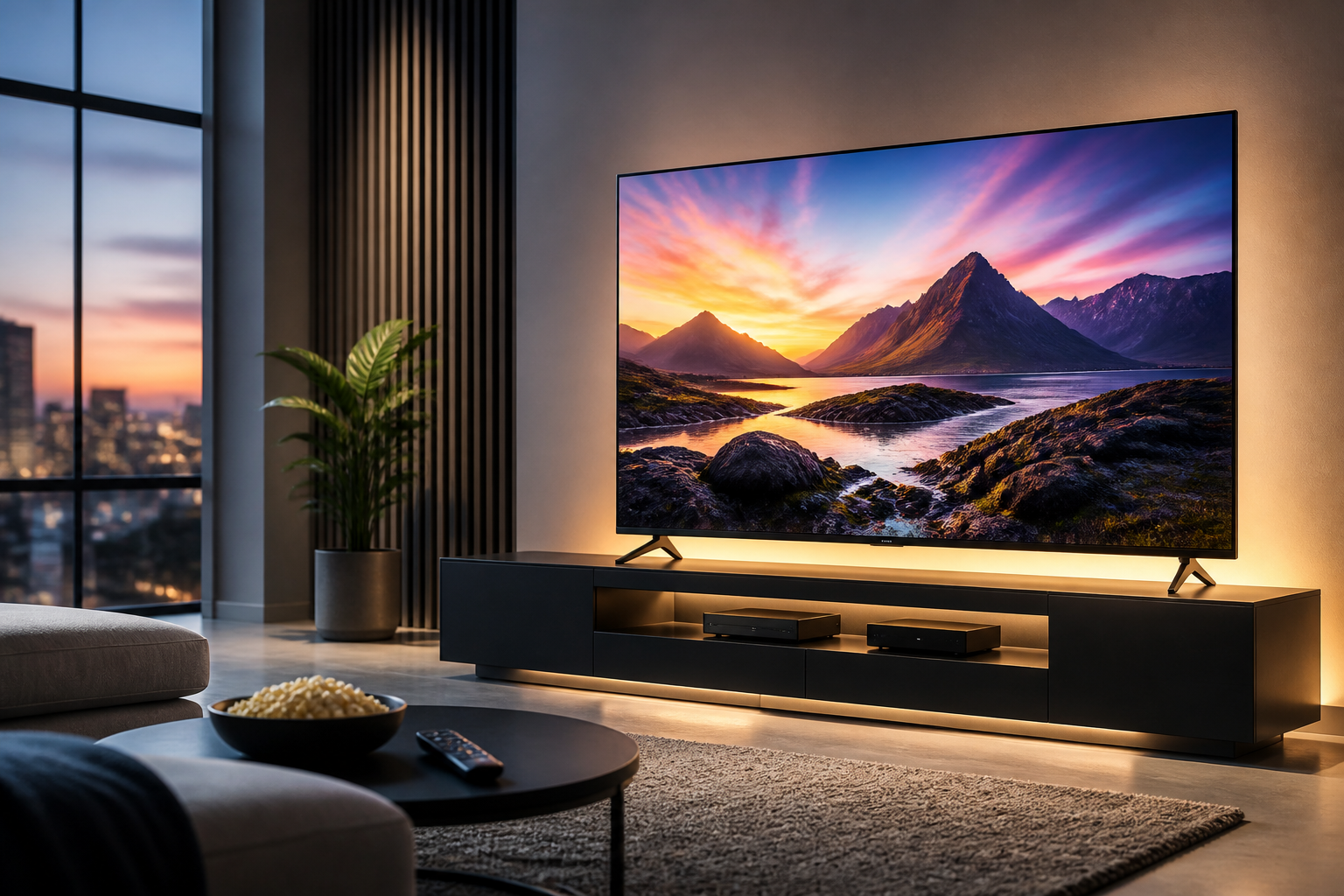
While resolution deals with detail, HDR deals with the range of color and brightness. A TV with good HDR can show details in the brightest parts of a sunset and the darkest shadows of a cave simultaneously. Look for support for formats like HDR10+ and Dolby Vision. These "dynamic" formats adjust the picture settings scene-by-scene to ensure you are seeing exactly what the director intended.
3. Size and Placement
One of the most common mistakes buyers make is choosing a TV that is too small for their space. Modern TVs have very thin borders (bezels), meaning a 65-inch TV takes up much less room than a 65-inch set did ten years ago. A general rule of thumb for 4K TVs is to sit roughly 1 to 1.5 times the screen's diagonal distance away.
- 55-inch: Ideal for bedrooms or small apartments.
- 65-inch: The standard "golden size" for most modern living rooms.
- 75-inch and larger: Best for dedicated home theater spaces where you want an immersive experience.
Consider the height of your seating as well. The middle of the TV screen should ideally be at eye level when you are sitting down. Hanging a TV too high (the "TV Above the Fireplace" syndrome) can lead to neck strain and poor viewing angles.
4. The Smart TV Ecosystem
A "Smart TV" is simply a television that connects to the internet to run apps like Netflix, YouTube, and Disney+. However, not all smart platforms are created equal. The operating system (OS) dictates how easy it is to find your favorite shows.
Main Operating Systems
- Google TV / Android TV: Known for having the widest selection of apps and excellent voice search via Google Assistant.
- Roku TV: Highly praised for its simple, grid-based interface that is easy for non-tech-savvy users to navigate.
- webOS (LG) and Tizen (Samsung): These are manufacturer-specific systems. They are fast and polished but may occasionally lack niche apps found on Google or Roku platforms.
Regardless of the OS, ensure your home network can handle the load. High-definition streaming requires a stable connection, leading many users to upgrade to modern networking standards. Just as Wi-Fi 6 vs Wi-Fi 7 debates center on bandwidth and latency, a TV with a modern wireless chip will buffer less often during 4K playback.
5. Features for Gamers: Refresh Rates and HDMI 2.1
If you own a PlayStation 5, Xbox Series X, or a high-end gaming PC, the technical specs of your TV ports matter immensely. Standard TVs refresh the image 60 times per second (60Hz). Gaming-focused TVs support 120Hz or even 144Hz, which makes motion look incredibly smooth.
Key Gaming Terms to Look For:
- HDMI 2.1: This specific type of port is required to carry high-frame-rate 4K signals.
- VRR (Variable Refresh Rate): This prevents "screen tearing" by syncing the TV's refresh rate to the game console's output.
- ALLM (Auto Low Latency Mode): The TV automatically detects a game console and switches to a "Game Mode" that reduces the delay between pressing a button and seeing the action on screen.
6. Audio: The Often Overlooked Element
As TVs have become thinner, the space for high-quality speakers has vanished. Most modern TVs, even expensive ones, have relatively weak audio. To get the most out of your new display, you should budget for at least a basic soundbar.
"A great picture provides 50% of the cinema experience; the other 50% is the sound. Do not let a $2,000 screen be ruined by $20 speakers."
When shopping for audio, look for eARC (Enhanced Audio Return Channel) support. This allows you to connect your soundbar to the TV with a single HDMI cable, allowing the TV remote to control the soundbar's volume automatically. If you want a theater-like experience, look for a system that supports Dolby Atmos, which creates a "3D" sound environment where audio feels like it is coming from all around you.
Conclusion
Buying a Smart TV in 2026 requires balancing these six key pillars: panel technology, resolution, size, software, gaming features, and audio. There is no single "best" TV for everyone, but by identifying your primary use case—whether it is watching sports in a sunlit room or playing high-intensity games in a dark basement—you can narrow down the field significantly.
Once you have selected your hardware, the next step is optimizing your viewing experience. You might consider exploring how to protect your privacy on a connected device by learning what is a VPN or how to calibrate your picture settings to match your room's lighting. Start by measuring your space and setting a firm budget; the technology will handle the rest.