Wi-Fi 6 vs Wi-Fi 7: 6 Critical Differences Explained
This guide compares Wi-Fi 6 and Wi-Fi 7, explaining technical upgrades like 320 MHz channels and Multi-Link Operation to help you choose the right router in 2026.
As we navigate through 2026, our homes and offices are more connected than ever before. Understanding the difference between Wi-Fi 6 and Wi-Fi 7 is no longer just for IT professionals; it is essential for anyone looking to maintain a lag-free digital life. This guide breaks down the 6 most critical distinctions between these wireless standards to help you decide which hardware is right for your needs.
1. The Core Purpose: Efficiency vs. Throughput
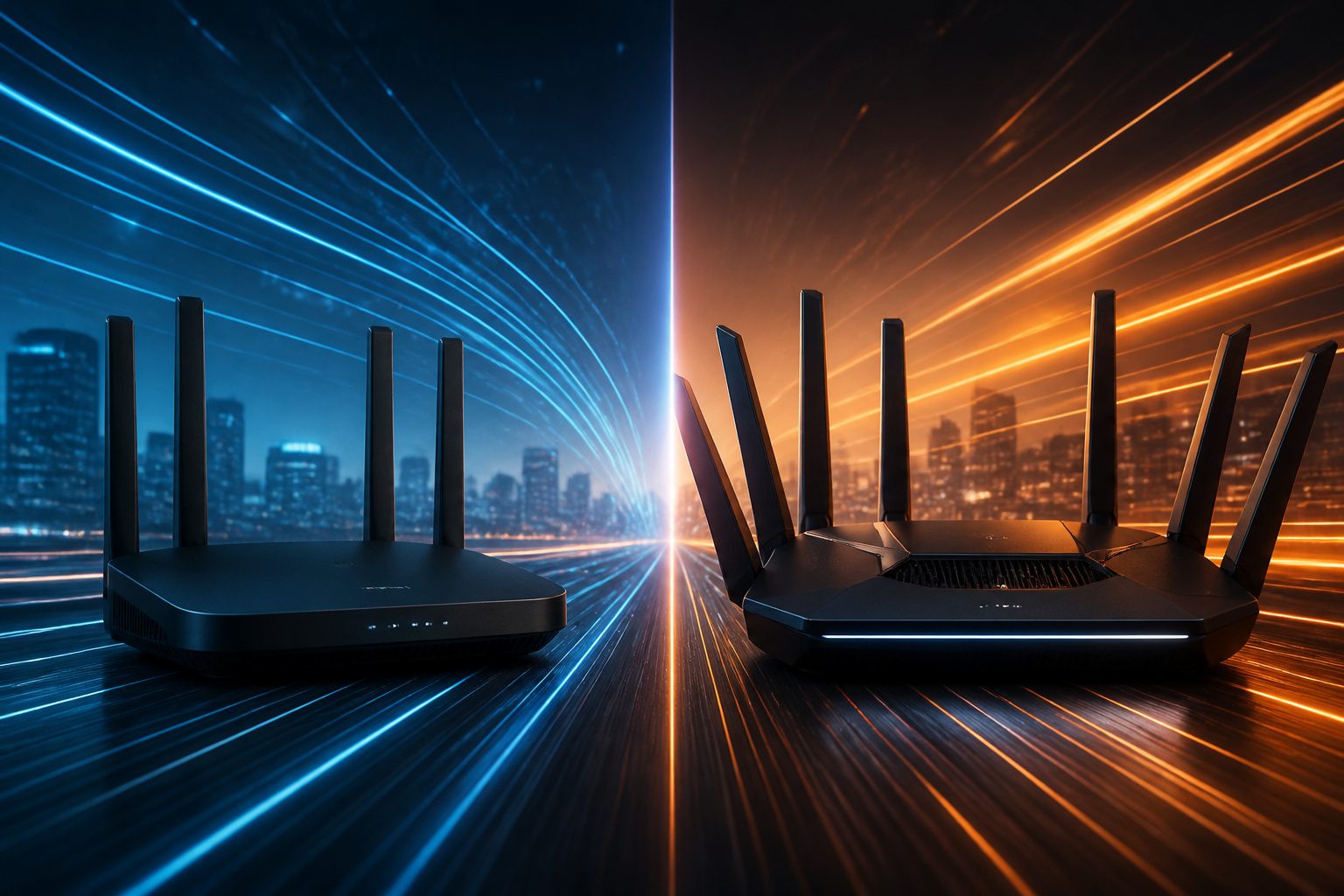
Wi-Fi 6, known technically as 802.11ax, was launched with a focus on efficiency in crowded environments. Before Wi-Fi 6, routers were like a grocery store with only one checkout lane open. Wi-Fi 6 changed this by introducing technologies that allow the router to "talk" to multiple devices simultaneously. In contrast, Wi-Fi 7 (802.11be) focuses on "Extremely High Throughput," aiming for raw speed to handle the 8K streaming and high-fidelity virtual reality demands of 2026.
2. Channel Width: The Expansion of the Digital Highway
To understand the difference in speed, imagine a highway where the "channel width" represents the number of lanes available for traffic. Wi-Fi 6 offers a maximum channel width of 160 MHz. Wi-Fi 7 doubles this to a massive 320 MHz channel width. By doubling the lanes, Wi-Fi 7 allows for significantly higher top speeds, reaching a theoretical limit of over 40 Gbps, whereas Wi-Fi 6 tops out around 9.6 Gbps.
3. Multi-Link Operation (MLO): Simultaneous Connectivity
Perhaps the most revolutionary feature of Wi-Fi 7 is Multi-Link Operation, or MLO. In previous generations, including Wi-Fi 6, your device could only connect to one band at a time—usually either 2.4GHz, 5GHz, or 6GHz. Wi-Fi 7 devices can connect to multiple bands simultaneously. This allows for increased speed by aggregating bands and provides instant redundancy; if one band faces interference, the data flows uninterrupted through another.
4. Managing Interference with Puncturing
In Wi-Fi 6, if there is interference on a specific part of a frequency channel, the router often has to block off that entire section, wasting potential speed. Wi-Fi 7 introduces Multi-RU (Resource Unit) Puncturing. This allows the signal to "wrap around" the interference. Instead of shutting down a whole lane because of a "pothole" of interference, Wi-Fi 7 simply drives around it, making it far superior for dense apartment buildings in 2026.
5. Quadrature Amplitude Modulation (QAM) Improvements
QAM is a method used to pack data into radio signal waves. Wi-Fi 6 uses 1024-QAM, which was a significant jump at its release. Wi-Fi 7 upgrades this to 4096-QAM. This 4K-QAM allows each signal to carry 20% more data than Wi-Fi 6. While this requires a clean signal to work effectively, it provides the necessary boost for data-heavy tasks like transferring massive cloud backups or large video files.
6. Practical Hardware Compatibility and Future-Proofing
The final distinction lies in the ecosystem of 2026. Wireless standards rely on universal compatibility to be effective. Wi-Fi 6 is now the affordable, mature standard found in almost every budget device. Wi-Fi 7 is the premium choice for future-proofing. Many professionals are switching to fiber providers to reach gigabit speeds that only Wi-Fi 7 can fully distribute throughout a home without a drop in performance.
Conclusion
In conclusion, these 6 key differences define the current wireless landscape. Wi-Fi 6 remains the reliable workhorse for standard households, while Wi-Fi 7 is the cutting-edge frontier for power users, gamers, and those with multi-gigabit internet connections. When choosing between the two, consider your current internet plan and hardware; Wi-Fi 6 offers plenty of speed for most, but Wi-Fi 7 ensures your network is prepared for the high-data demands of the coming years.