USB-C Explained: A Comprehensive Guide to the Universal Standard
Discover how USB-C became the universal standard in 2026. This comprehensive guide simplifies complex topics like Power Delivery, Thunderbolt, and the 240W standard.
For decades, the simple act of plugging in a peripheral felt like a game of chance. We lived in a world of USB-A rectangles that only went in one way, bulky USB-B printer cables, and fragile Micro-USB connectors for our phones. In 2026, those days are finally behind us, thanks to the universal standard known as USB-C. This guide breaks down exactly what makes this connector so powerful through 6 key areas of interest.
1. The Basics: What Exactly is USB-C?
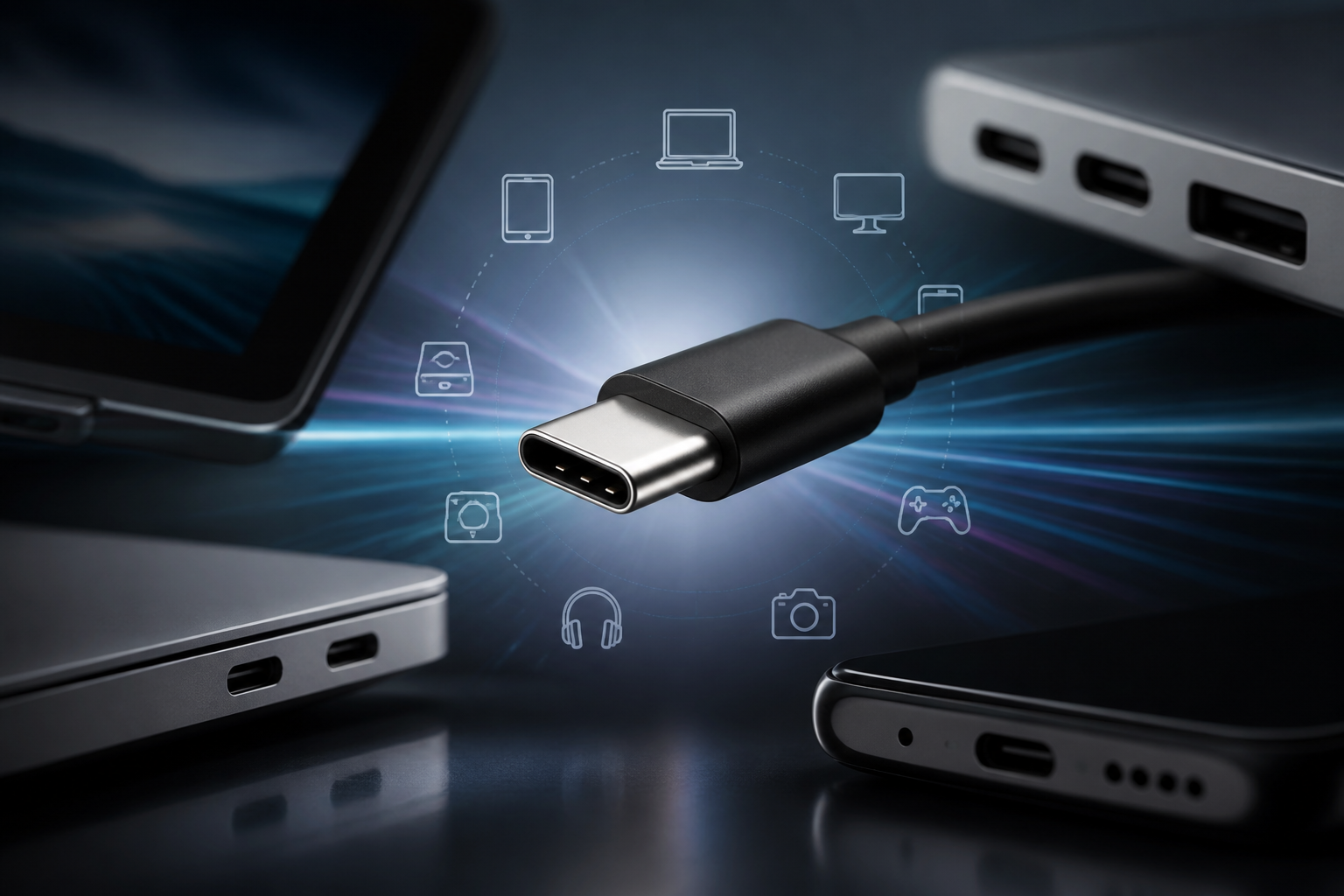
USB-C (formally known as USB Type-C) is a 24-pin connector standard that was designed to replace all previous versions of the Universal Serial Bus. Unlike its predecessors, USB-C is symmetrical. This means there is no "right side up"—it works regardless of how you flip it. However, the physical shape of the connector is only half the story.
One of the most common mistakes users make is assuming that every USB-C cable can do the same thing. Think of it like a highway: the USB-C connector is the physical road, but the "protocols" are the speed limits and vehicles allowed on that road. Some USB-C cables are built like narrow dirt paths (slow data transfer), while others are like multi-lane super-highways (high-speed data and video).
- The Connector: The physical, oval-shaped end pieces and the ports they fit into.
- The Protocol: The invisible language being spoken (e.g., USB 3.2, USB4, or Thunderbolt 4).
2. Power Delivery: One Cable for Everything
In the past, laptops required proprietary circular pins, while phones used tiny 5-watt blocks. USB-C changed this through a technology called USB Power Delivery (USB-PD). This protocol allows devices to "negotiate" how much power they need.
When you plug a USB-C charger into a device, they have a silent handshake. The laptop says, "I need 65 watts to charge," and the charger responds, "I can provide up to 100 watts, so let's settle on 65." This intelligence prevents your phone from being fried by a high-power laptop charger, while allowing your laptop to draw enough energy to run heavy software. This versatility is why many modern users can carry a single charger for their phone, tablet, and MacBook in 2026.
3. Massive Data and Video Capabilities
USB-C is not just for power; it is the most capable data transfer tool ever released to the public. As of 2026, the USB4 Version 2.0 specification allows for speeds up to 80Gbps (Gigabits per second). Contrast this with the older USB 2.0 standard, which capped out at a measly 480Mbps.
USB-C uses a feature called "Alt Mode," which allows the cable to carry non-USB signals. This is how your laptop can send a video signal to a 4K or 8K monitor using a single cable. The most popular Alt Modes are DisplayPort, Thunderbolt, and HDMI (via adapters). This "docking" capability, where one wire handles power, video, and peripherals, is the peak of 2026 convenience.
4. Thunderbolt vs. USB-C: Clearing the Confusion
You will often see the word "Thunderbolt" used in the same breath as USB-C. Many people use the terms interchangeably, but they are not the same thing. This is a classic "all squares are rectangles, but not all rectangles are squares" situation.
Thunderbolt is a high-performance standard developed by Intel and Apple. It uses the USB-C connector shape, but it has much stricter requirements. To be labeled "Thunderbolt," a cable or port must meet high minimum speeds for data and must support at least two 4K displays. Generic USB-C ports may or may not support video at all. If you are working with large files, such as those stored on a high-speed external SSD, using a Thunderbolt-certified port ensures you actually get the transfer speeds promised by the hardware.
5. USB-C 2.1 and the 240W Standard
By 2026, the standard for high-end USB-C cables (version 2.1) has pushed power limits as high as 240 watts. This is significant because it allows even high-performance gaming laptops and external monitors to run off a single, thin USB-C cable, eliminating the need for specialized power cords that weighed down laptop bags for decades.
To reach these 240W speeds, cables require an "E-Marker" chip. This tiny piece of silicon tells the charger that the cable is safe to handle high wattages. Without it, your charger may default to a "slow charge" mode (usually 60W or less) even if your laptop and charger both support higher output. If your laptop is charging slowly, the cable is usually the bottleneck.
6. Common Limitations and Port Longevity
Even with all its benefits, USB-C can be a headache if you aren't careful. Because the cables all look the same, it is easy to accidentally use the wrong tool for the job. The cable that comes in the box with your smartphone is often designed for charging and utilizes USB 2.0 data speeds; transferring 1,000 photos over this cable will be significantly slower than using a dedicated "High-Speed" or "USB4" labeled cable.
Additionally, while the USB-C connector is rated for thousands of insertions, it is smaller and more delicate than the old USB-A plug. In 2026, tech support still frequently sees ports damaged by "sideways" pressure. Avoiding strain on the cable while it is plugged in will ensure your device lasts for its full expected lifecycle.
Conclusion
USB-C has transformed the digital landscape in 2026 by consolidating power, data, and video into a single, reversible interface. While the physical uniformity of the connector can be deceptive, understanding the underlying protocols—such as Power Delivery, Thunderbolt, and USB4—is essential for maximizing hardware performance. By selecting the right cables and respecting the physical limits of the port, users can enjoy a streamlined, one-cable ecosystem that was once a futuristic dream.