How to Buy a Laptop: A Guide to the 6 Essential Pillars
A comprehensive guide to buying a laptop in 2026, breaking down complex technical specs like CPUs, RAM, and OLED screens into six easy-to-understand pillars.
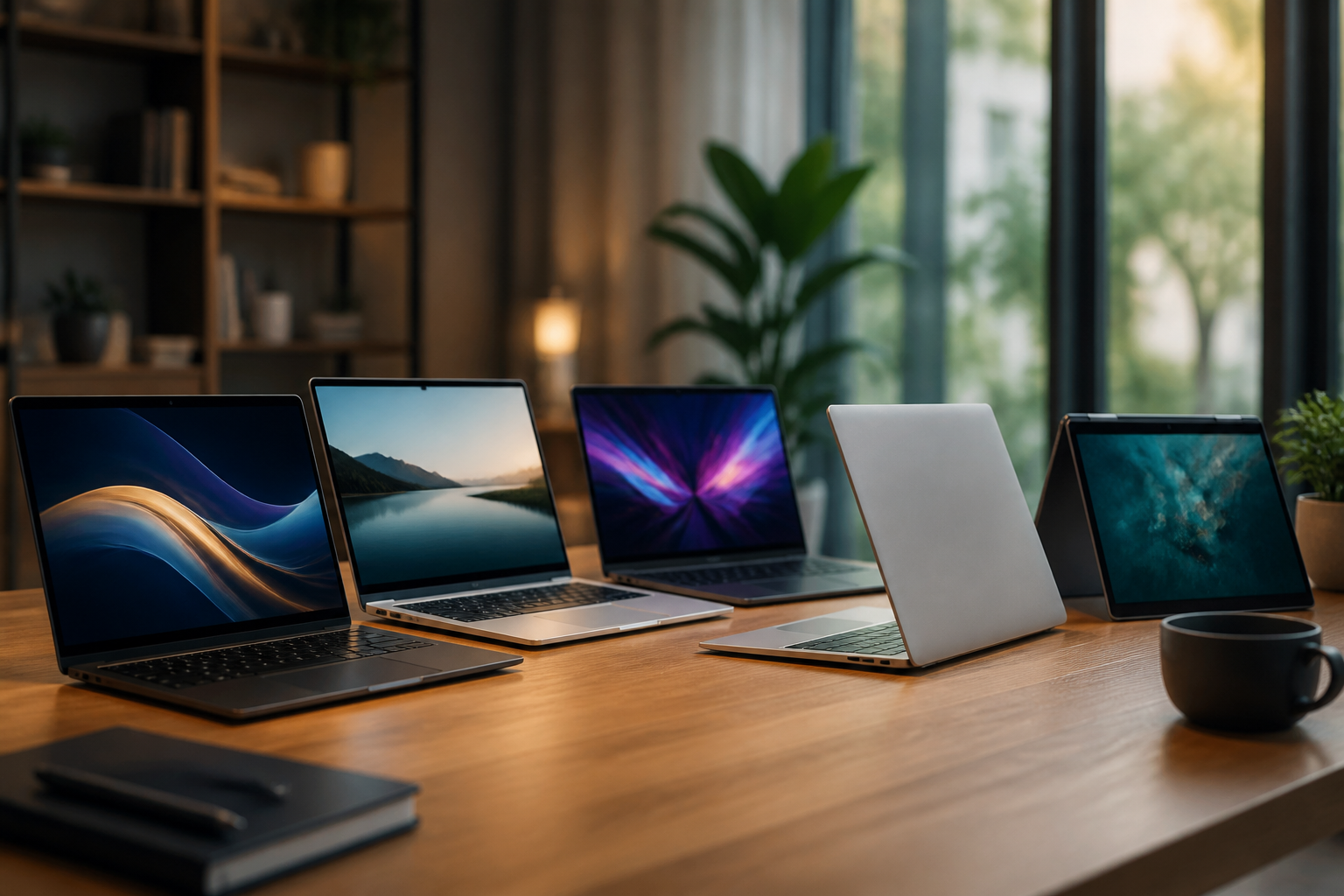
Finding the perfect laptop can feel like trying to solve a puzzle with a thousand pieces. With the rapid evolution of artificial intelligence, specialized silicon chips, and shifting display technologies, the "best" choice depends entirely on what you plan to do once you open the lid. This guide will teach you how to decode technical specifications through 6 essential pillars so you can invest in a machine that serves you reliably for years to come.
1. Identifying Your Primary Use Case
Before looking at numbers like "gigahertz" or "terabytes," you must define your role. Laptops are no longer one-size-fits-all tools; they are specialized instruments built for specific tasks. Buying more power than you need is a waste of money, but buying too little leads to frustration and a premature upgrade.
The General User
If your day consists of browsing the web, streaming video, and managing personal finances, you fall into the general user category. Your priorities should be screen quality, battery life, and a comfortable keyboard.
The Student or Productivity Professional
Students and office workers typically need a "thin-and-light" machine. You need something that can survive a full day of classes or meetings without a charger. Weight is a major factor here; look for devices under three pounds to ensure your shoulder doesn't ache by the end of the day.
The Creative or Gamer
If you edit 4K video, design 3D models, or play modern AAA games, your requirements are the most demanding. You need a dedicated graphics card and a thermal system capable of cooling the hardware under heavy loads.
2. Understanding the "Brain" of Your Laptop: CPUs and RAM
The Central Processing Unit (CPU) is the brain of the computer, and Random Access Memory (RAM) is its short-term memory. Together, they determine how fast your apps open and how many tasks you can do at once.
Choosing a Processor
In 2026, the market is split primarily between three architectures:
Apple Silicon: Apple's "M-series" chips are incredibly efficient, offering high performance with industry-leading battery life.
Intel and AMD: Look for "Core Ultra" or "Ryzen AI" labels. These newer chips include dedicated "NPUs" (Neural Processing Units) designed for modern AI tasks.
ARM-based Windows: Newer Snapdragon processors bring exceptional battery life to Windows laptops, though you should check software compatibility for ARM architecture.
How Much RAM is Enough?
In 2026, 8GB is no longer the recommended baseline for most people.
16GB: The current "sweet spot" for 90% of users, allowing for dozens of browser tabs and multiple apps.
32GB or more: Necessary for professional video editors, software developers, or hardcore gamers.
3. Screen Technology and Display Choice
The screen is the part of the laptop you interact with the most. A fast processor won't matter if the screen is dim or colors look washed out. There are two main factors to consider: the panel technology and the resolution.
Panel Types: LCD vs. OLED
Historically, most laptops used LCD screens. Modern high-end laptops have moved toward OLED or Mini-LED. Understanding the differences between AMOLED and LCD is crucial; OLED panels provide "infinite" contrast because each pixel can turn off completely, resulting in true blacks and vibrant colors.
Resolution and Brightness
Do not buy a laptop with a resolution lower than 1920 x 1080 (Full HD). For 14-inch screens and larger, 2560 x 1440 (QHD) is the ideal balance. For brightness, look for 500 nits or higher if you plan to work near windows or outside.
4. Storage: Speed Over Capacity
Storage is where your files, photos, and operating system live. In 2026, there is no reason to buy a laptop with a traditional spinning Hard Disk Drive (HDD). You should exclusively look for a Solid State Drive (SSD).
Why SSDs are Mandatory
When comparing SSD vs HDD, the primary benefit is speed. An SSD can wake your laptop from sleep in seconds and launch apps almost instantly, whereas an HDD might take minutes to "warm up." Furthermore, SSDs have no moving parts, making them more durable.
Choosing a Capacity
256GB: Only for those who store everything in the cloud.
512GB: The standard for most users.
1TB+: Necessary for enthusiasts who store a lot of high-resolution video or large game libraries locally.
5. Ports and Physical Connectivity
As laptops get thinner, manufacturers often remove ports to save space. You must ensure the laptop you buy can connect to your existing peripherals without requiring a "dongle" for every single task.
The USB-C Revolution
Most modern laptops rely heavily on USB-C. It is a versatile port that can charge your laptop, output video, and transfer data. If you are confused by the different versions, reading up on USB-C standards will help you understand why some ports support "Thunderbolt" technology for high-speed professional hardware.
6. Connectivity and Secure Access
The final pillar involves how your laptop interacts with the world and how you keep it secure. These are the "quality of life" features that define the 2026 computing experience.
Wireless Standards
Check for Wi-Fi 6E or Wi-Fi 7. These ensure your laptop can take advantage of the fastest modern internet speeds. For users who travel frequently, check if the model supports eSIM technology for cellular data on the go.
Cameras and Biometrics
Since 2026 standards prioritize hybrid work, 1080p webcams are now the mandatory minimum. Avoid laptops that still use 720p "potato" cameras. Additionally, look for a fingerprint reader or Windows Hello (facial recognition) to make logging in much faster and more secure than typing a password.
Conclusion
Buying a laptop in 2026 is an exercise in balancing your current needs with future requirements. By focusing on these 6 key areas—especially ensuring you have at least 16GB of RAM and a high-quality SSD—you eliminate the most common bottlenecks that cause technology to feel dated. Remember that while a cheaper screen or a slightly older processor might save you money today, the frustration of a dim display or a stuttering system often costs more in the long run.
Your next step is to head to a local electronics store to test keyboards and trackpads in person. Ergonomics are subjective; a laptop that looks great on paper can feel uncomfortable in your hands. Once you find a chassis you like, use the technical benchmarks in this guide to select the specific internal configuration that fits your budget.