AMOLED vs LCD: 6 Key Differences You Need to Know
A beginner-friendly breakdown of the technical differences between AMOLED and LCD displays, covering battery life, image quality, and the science of light emission.
In 2026, we spend more time than ever looking at screens, yet few of us stop to consider the layer of glass and light that makes our digital lives possible. Understanding the fundamental differences between AMOLED and LCD is the first step toward becoming a more informed consumer of modern technology. To help you navigate your next purchase, here are the 6 key areas where these technologies differ.
1. The Fundamental Light Source
The core difference between AMOLED and LCD is how they are lit. LCD stands for Liquid Crystal Display. In an LCD, the pixels do not produce their own light. Instead, they act like shutters on a window, blocking or allowing light to pass from a large LED backlight panel located at the rear of the device.
AMOLED stands for Active Matrix Organic Light Emitting Diode. In this system, every individual pixel is its own light source. When the software tells a pixel to be red, it glows red. When the software tells it to be black, the pixel simply turns off. It receives zero power and emits zero light, resulting in "infinite contrast."
2. Image Quality and Contrast Ratios
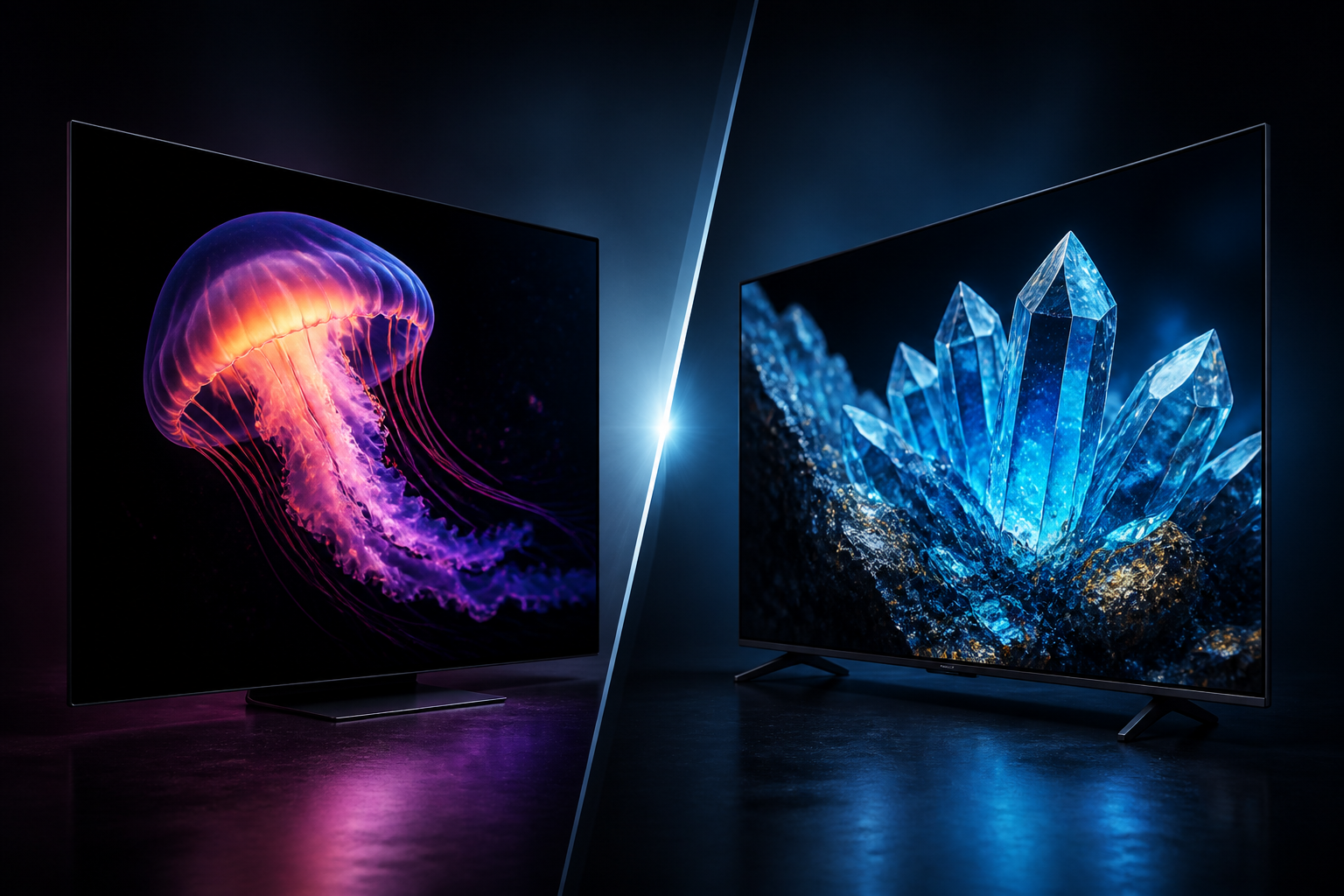
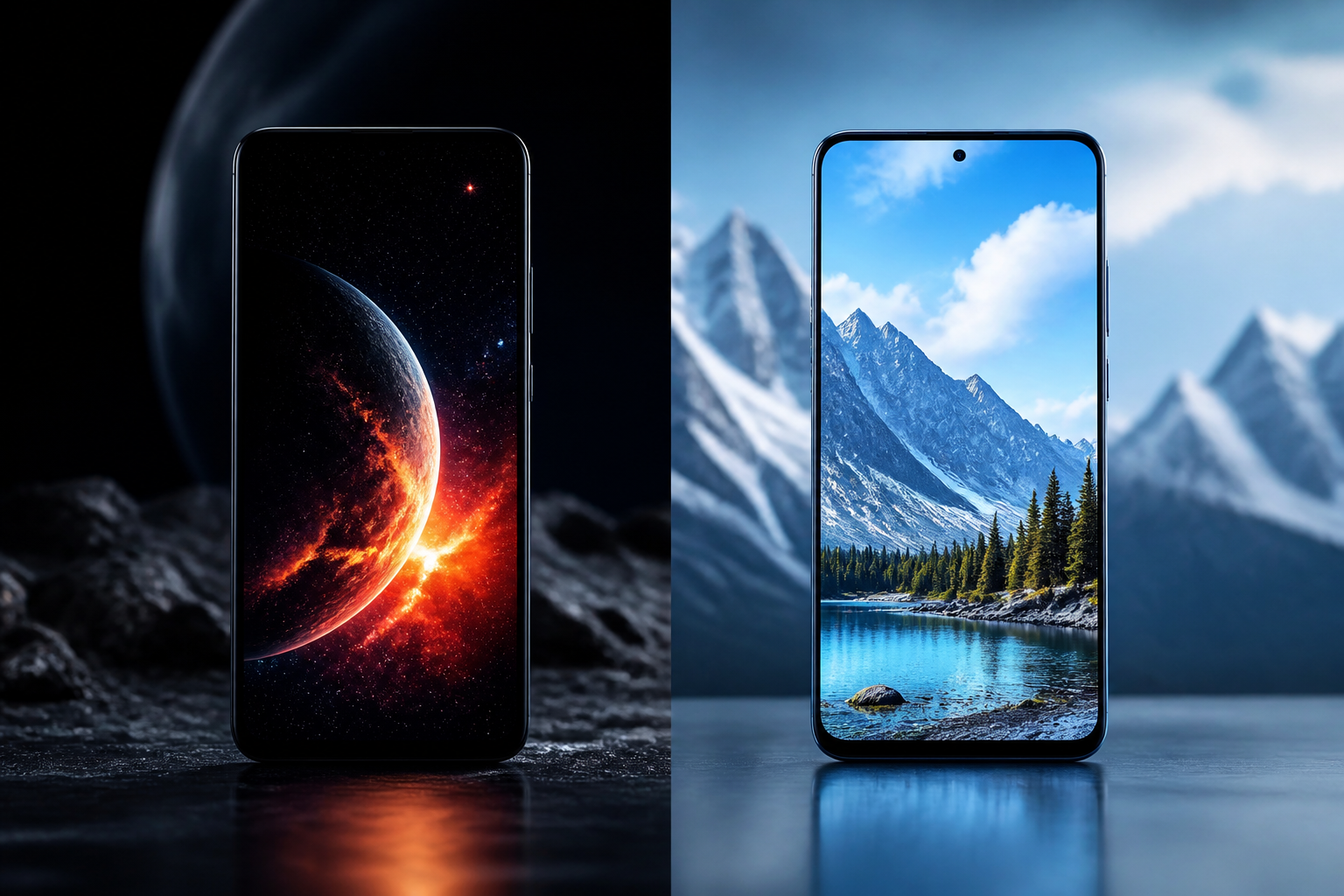
If you put an AMOLED phone and an LCD phone side-by-side in a dark room, the difference is immediate. Because AMOLED can turn off pixels entirely, the images look punchier and more vibrant. This is why high-end smartphones in 2026 almost exclusively use AMOLED panels for cinema-quality depth.
LCDs, by contrast, struggle with "true black." Because the backlight is always on behind the liquid crystal layer, a little bit of light always leaks through the "shutters." This is why black areas on an LCD screen often look slightly dark gray rather than a total void of light.
3. Viewing Angles and Color Accuracy
LCDs rely on light passing through several physical layers, including crystals and polarizers. If you look at an LCD from a sharp angle, the colors often shift or wash out because you are looking at the light through the "sides" of those layers. AMOLED is much thinner, so the image looks consistent even if you are looking at the screen from an extreme side angle.
Historically, top-tier LCDs were praised for being more "natural," while AMOLEDs were criticized for being too saturated. However, modern engineering has closed this gap. Top-tier AMOLED displays in 2026 are now just as color-accurate as professional LCD monitors, making them suitable for high-end photo and video editing.
4. Power Consumption and Battery Efficiency
The way these screens consume energy is drastically different. An LCD uses a consistent amount of power based on the brightness setting of the backlight. It doesn't matter if you are looking at a white document or a black photo; if the brightness is at 50%, the backlight is drawing 50% power.
AMOLED power consumption is content-dependent. If you use "Dark Mode," your screen is literally using less electricity because the black pixels are powered down. This is one of the primary reasons why 6 best daily productivity apps for Android in 2026 often emphasize dark themes—it is a functional battery-saving feature for AMOLED users, not just a stylistic choice.
5. Longevity: Burn-in vs. Backlight Bleed
No technology is perfect, and both systems have unique ways of wearing down. Because the "O" in AMOLED stands for "Organic," the materials inside the pixels eventually degrade. If you leave a static image on the screen at high brightness for thousands of hours, those pixels may wear out faster than others, leaving a faint "ghost" known as burn-in.
LCDs do not suffer from burn-in, but they can suffer from "backlight bleed." Over time, the layers of the screen may slightly separate or warp due to heat or physical stress. This causes bright light to leak through the edges, creating distracting white glow spots in the corners during dark scenes.
6. Manufacturing Cost and Accessibility
Cost is the primary reason LCD hasn't disappeared. LCDs are significantly cheaper and easier to manufacture in large sizes. This is why you will find 65-inch LCD TVs for a few hundred dollars, while an AMOLED (or standard OLED) TV of the same size might cost three times as much. In the smartphone world, you will usually see LCDs in budget models, while AMOLED remains the standard for flagship devices.
When choosing between these 6 factors, there is no single winner, but there is usually a better choice for your needs. AMOLED is the superior choice for media consumption and gaming, while LCD remains a reliable, cost-effective workhorse for office monitors where static images are displayed for long periods. As you look at your own devices in 2026, knowing these differences ensures you get the best visual experience for your budget.
Conclusion
The choice between AMOLED and LCD ultimately balances visual performance against cost and longevity. AMOLED offers superior contrast, better battery efficiency in dark modes, and wider viewing angles, making it the premier choice for smartphones and high-end media. LCD continues to thrive as a cost-effective, durable solution for large-format displays and professional monitors where burn-in is a concern. By understanding these technical trade-offs, you can select the display technology that best aligns with your daily habits and budget in 2026.